AnyTone Beta Firmware & CPS Bug Reporting
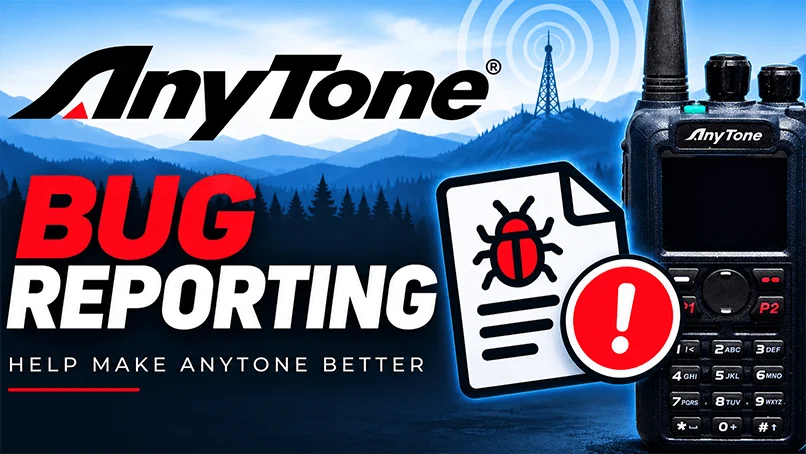
AnyTone Beta Firmware & CPS Bug Reporting
This page is provided for users participating in testing AnyTone beta firmware and CPS (Customer Programming Software) to report bugs, unexpected behavior, compatibility problems, and other issues discovered during testing.
Beta software is released for testing and evaluation before a final public release. Because of this, you may encounter features that do not work as expected, unexpected radio behavior, CPS errors, crashes, programming problems, or other issues. Detailed reports from testers help identify these problems so they can be reproduced, documented, and forwarded to AnyTone for investigation.
Before Submitting a Bug Report
Please provide as much information as possible. A useful bug report should include the radio model, firmware version, CPS version, and a clear description of what happened.
Explain what you were doing when the problem occurred, what you expected to happen, and what actually happened. If the issue can be reproduced, include the exact steps needed to reproduce it.
Please also indicate whether the problem happens every time or only occasionally.
Supporting Files
When applicable, attach supporting files such as screenshots, photos, videos, or codeplug files. These can be extremely helpful when attempting to reproduce or diagnose an issue.
Before uploading a codeplug, please make sure it does not contain information you do not want included with your report.
Submitting Your Report
Complete the bug-report form below and review the information for accuracy before submitting it. Please submit one issue per report whenever possible. If you discover multiple unrelated problems, submit separate reports for each issue.
Reports submitted through this page will be reviewed and, when appropriate, organized and forwarded to AnyTone engineering with the technical information needed to investigate the problem.